The LEGO Chrome extension for lot buyers.
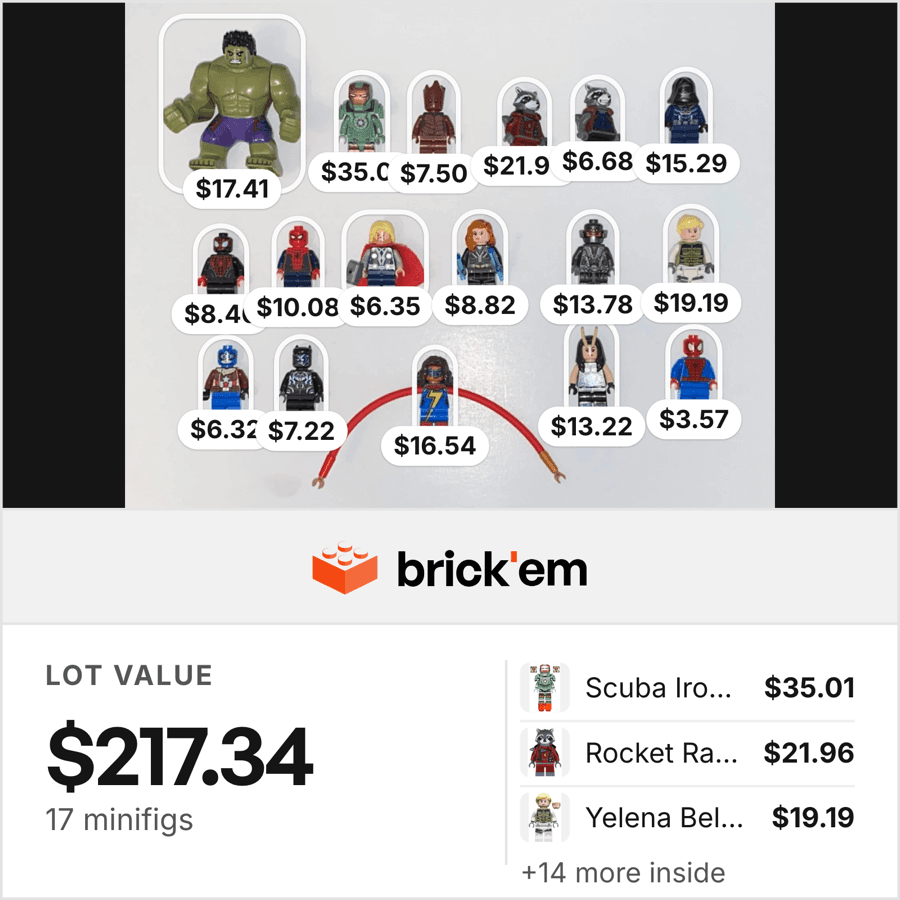
Sellers scroll past most LEGO listings because checking the value of every figure one by one takes longer than the deal is worth. Now right-click the photo and every figure is priced from BrickLink, right in your browser.
 Add to Chrome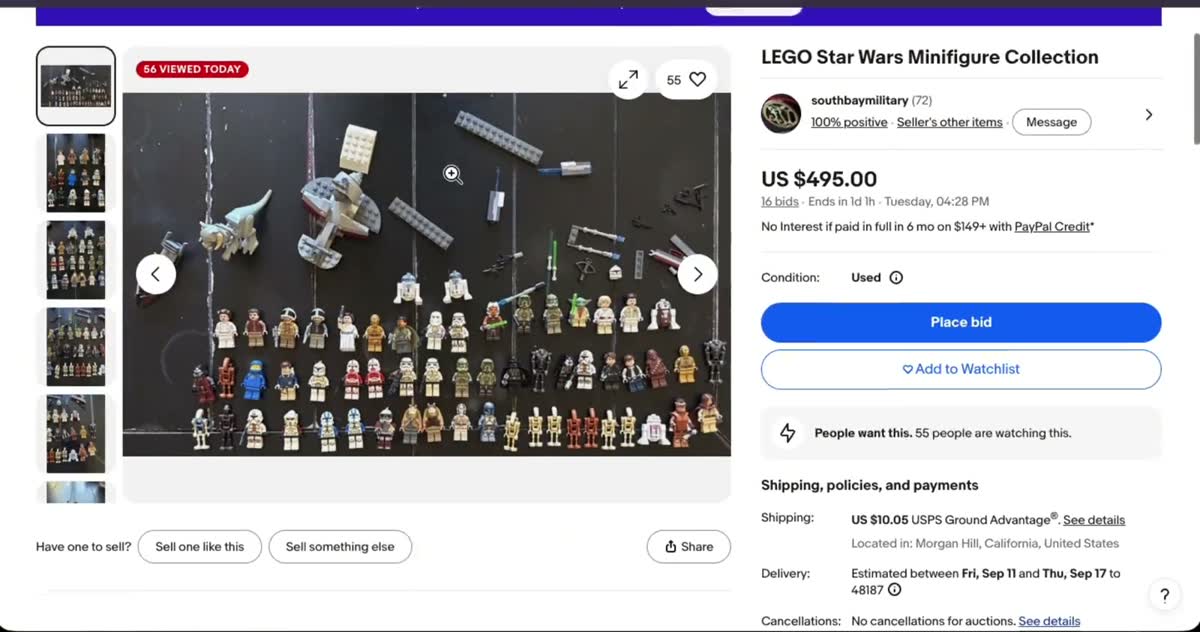
Works everywhere you shop for LEGO.
 eBay
eBay Facebook
 Whatnot
 Poshmark
 Goodwill
 Mercari
 OfferUp
 Etsy
Etsy Amazon
 BrickLink
 BrickOwl
Any other site
you buy LEGO on
you buy LEGO on
Price a LEGO lot in three simple steps.

1
Find a lot
A pile of minifigures comes up while you’re scrolling eBay, Facebook, or Whatnot.

2
Scan it
Right-click the photo. Every figure comes back identified and priced from BrickLink.

3
Decide
You know what the lot is worth before you bid. Buy it, or keep scrolling.
98% on 100 minifigs and 100 parts.
Same lot, run through every major scanner. brick'em matched the most. Learn more
 brick'em
98.0%
 BrickScan
85.0%
 Brickify
73.0%
 WhatFig
58.0%